
Overview
CloudWatch Metric Streams can continuously export AWS service metrics to Amazon Data Firehose. Configure the metric stream to use the OpenTelemetry 1.0 output format, then configure Firehose to deliver those metrics to Bronto’s dedicated AWS metrics endpoint. This integration requires no Lambda function. Firehose handles batching, compression, and retries for delivery to Bronto.Bronto supports sums, gauges, summaries, and explicit histograms. Exponential histograms are not supported. For Sum, Summary, and Histogram metrics, the Metric Explorer provides per-second rate functions.
Prerequisites
Before you begin, you need:- a Bronto API key with the ingestion role
- your Bronto region:
euorus - permission to create or configure Firehose delivery streams, CloudWatch Metric Streams, and their IAM service roles
AWS PrivateLink is not available for this integration. See AWS VPC Private Link for supported options.
Step 1 — Create a Firehose delivery stream
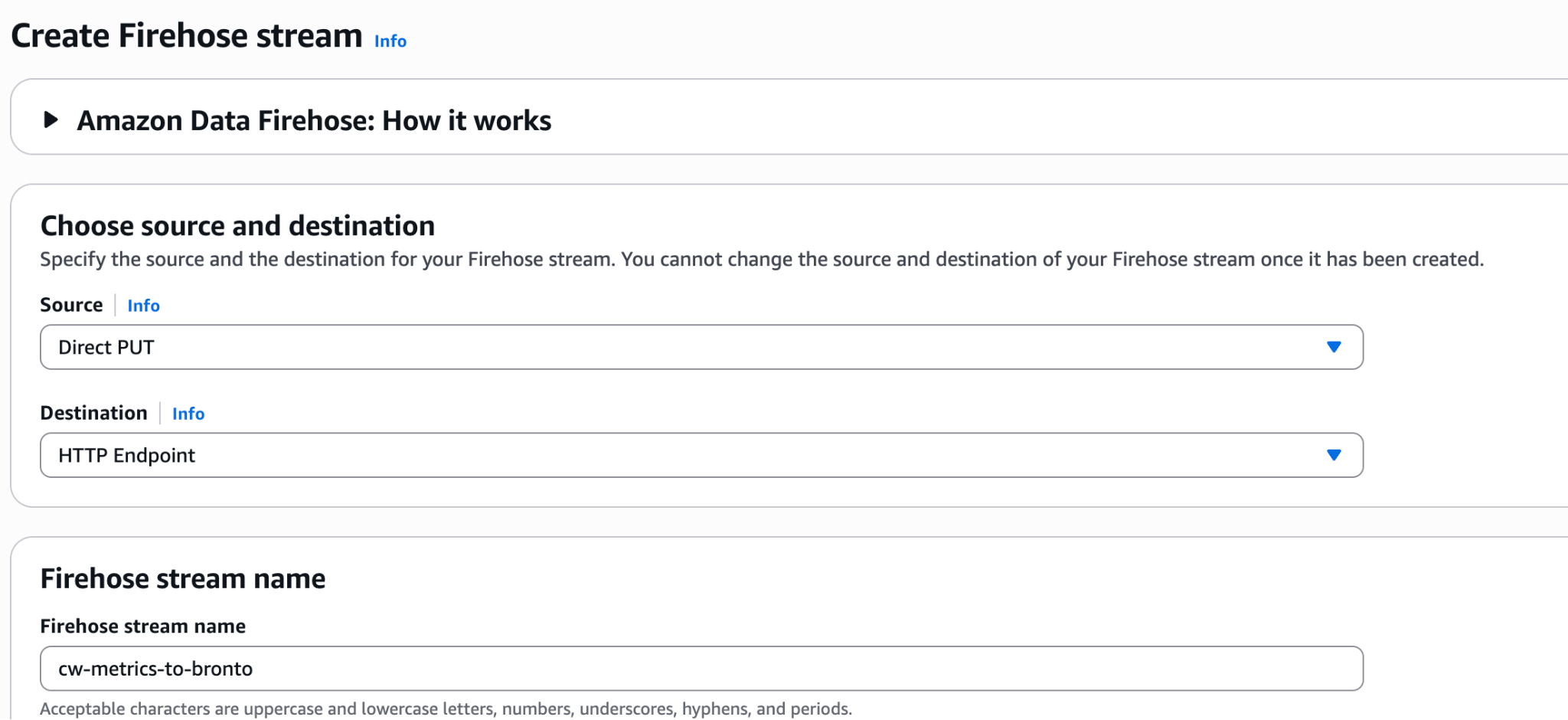
In the AWS Console, go to Amazon Data Firehose → Create Firehose stream and configure:cw-metrics-to-bronto is a suggested name only. You can use a different name that follows your organization’s naming conventions.
Step 2 — Configure the Bronto HTTP endpoint
Configure the HTTP endpoint destination:
Replace
<REGION> with eu or us. For example, use https://ingestion.eu.bronto.io/aws/metrics for the EU environment or https://ingestion.us.bronto.io/aws/metrics for the US environment. Do not use the direct OTLP /v1/metrics endpoint for this Firehose workflow.
Optionally, add x-bronto-tags in the destination’s Parameters section to attach comma-separated tags to the ingested metrics, for example environment=staging,region=eu-west-1.
Let Firehose create a service role, or select an existing role with the permissions required to deliver to the HTTP endpoint. See AWS’s HTTP endpoint destination settings for further reading.
Step 3 — Create a CloudWatch metric stream
In the CloudWatch console, go to Metrics → Streams, then choose Create metric stream.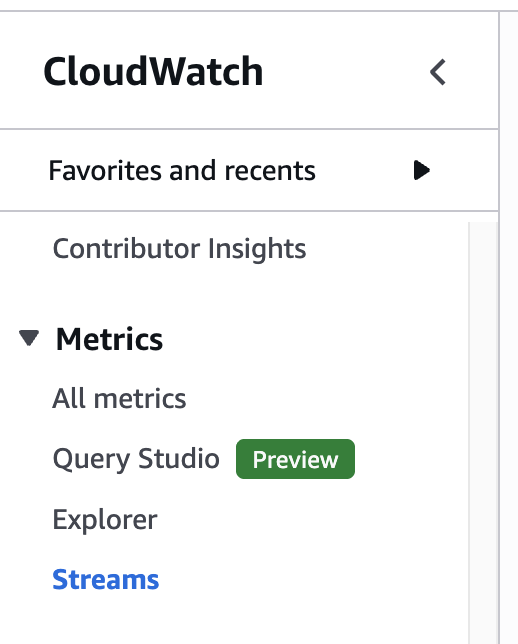
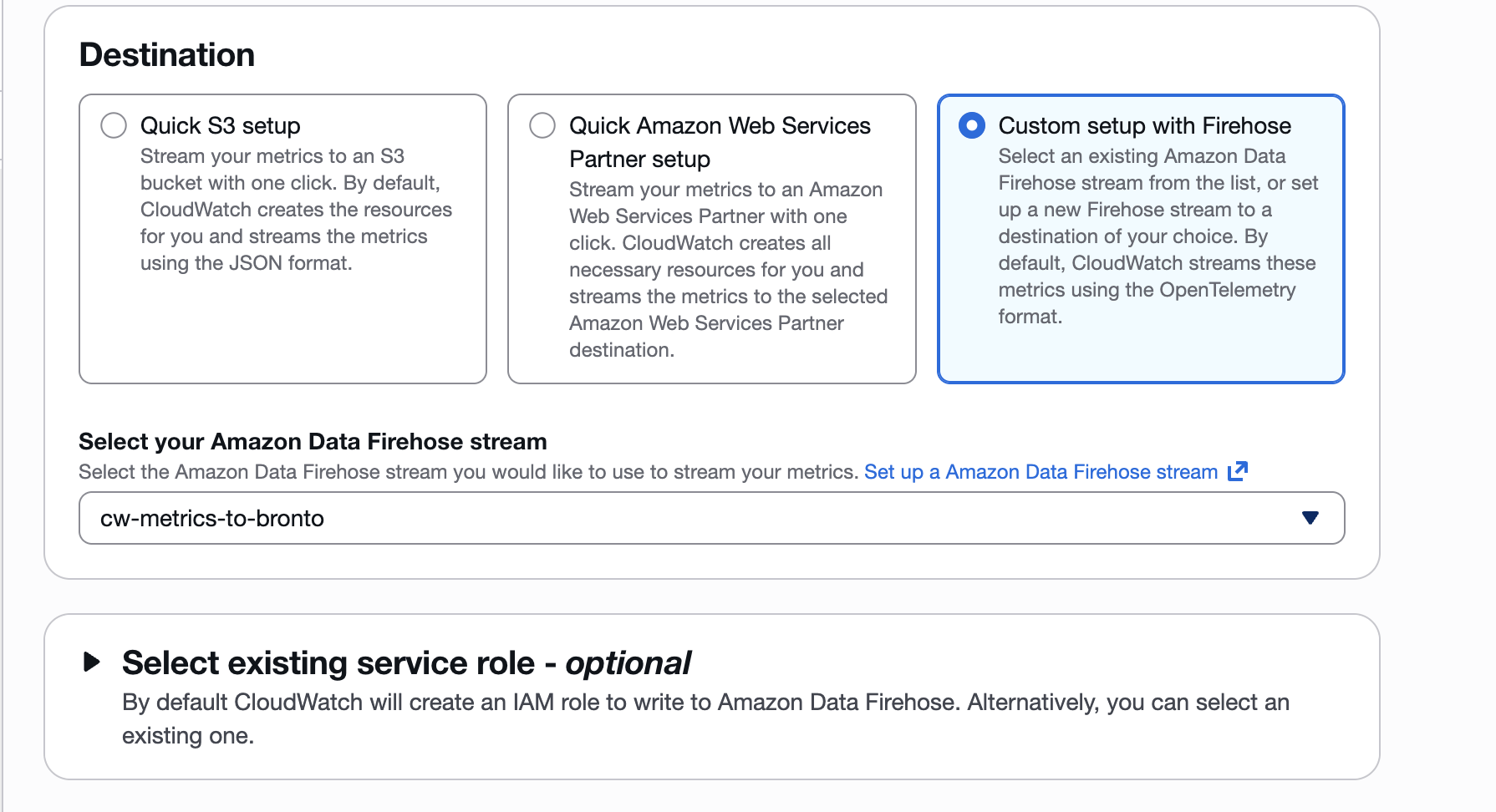
Minimum, Maximum, SampleCount, and Sum statistics. Additional statistics can be configured in CloudWatch at additional cost.
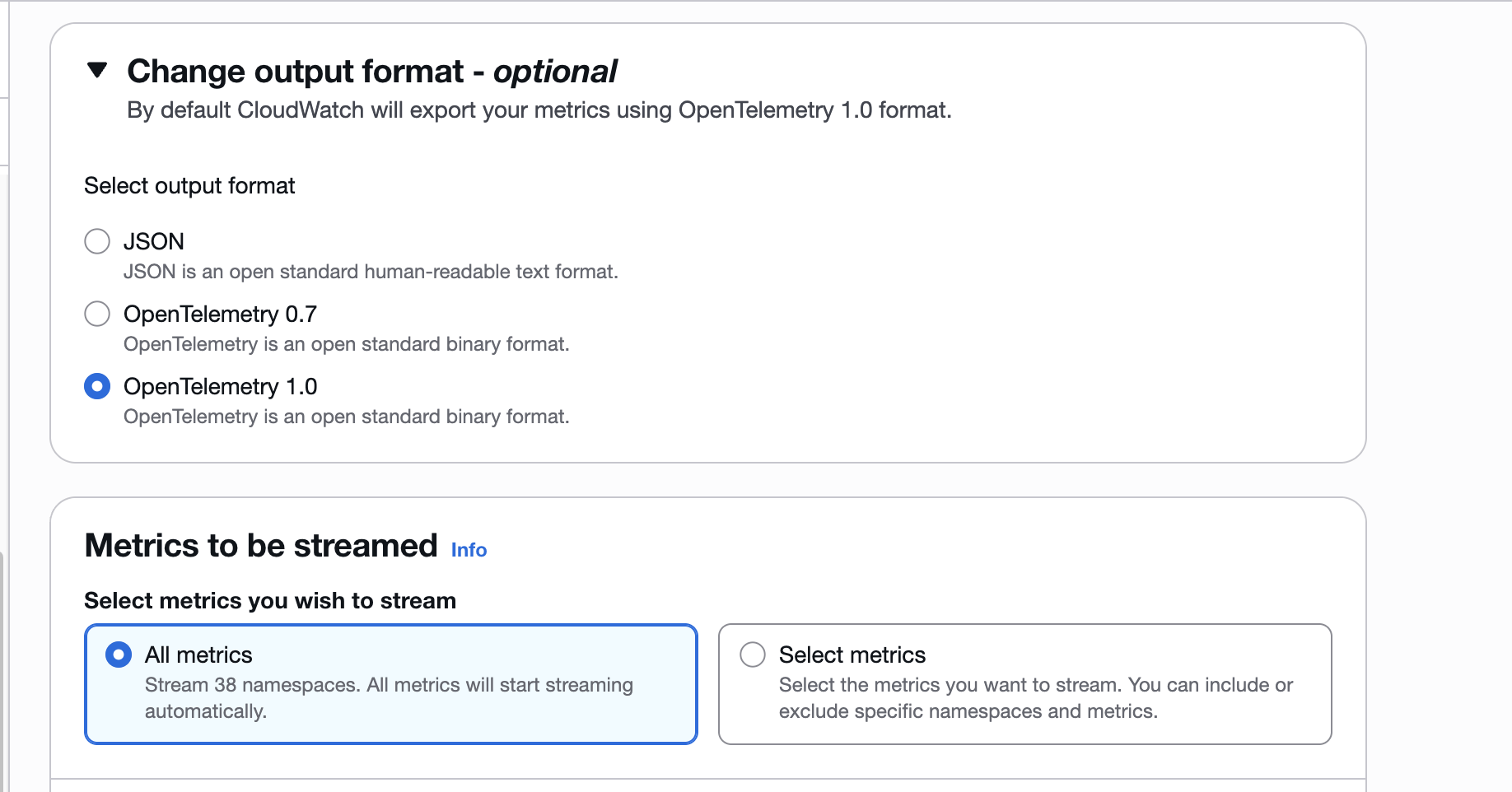
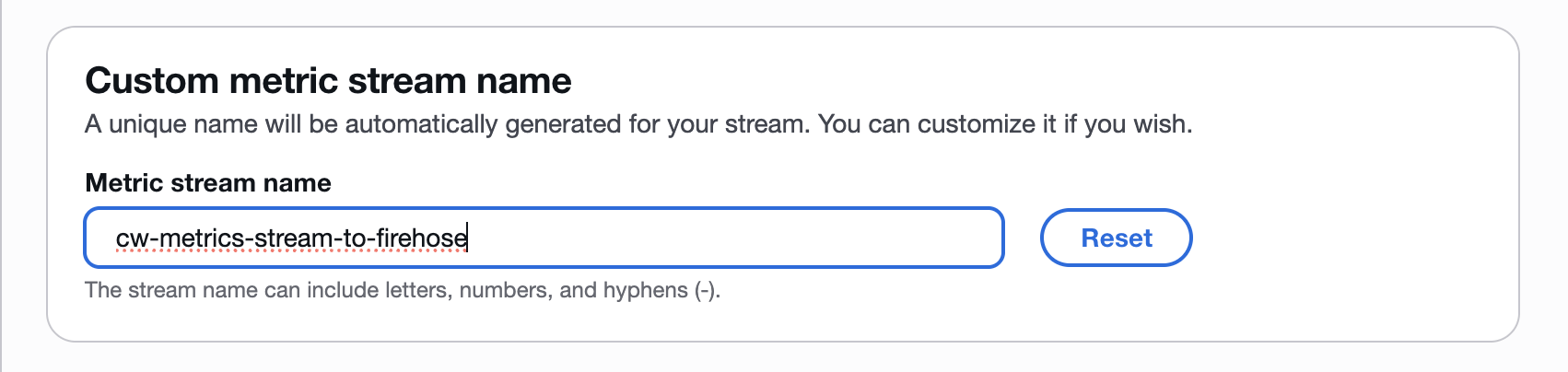
cw-metrics-stream-to-firehose is a suggested name only; it is not required.
Automate with AWS CloudFormation
Use the Bronto CloudWatch Metrics deployment package to create and update filtered metric streams across multiple AWS accounts and Regions. For each configured target, the package creates the CloudWatch Metric Stream, encrypted Firehose delivery stream and failure-backup bucket, CloudWatch delivery logs, and required IAM roles. It supports AWS CLI profiles that use direct credentials or assume roles into target accounts, and resolves the Bronto API key from AWS Secrets Manager without reading or copying it into the deployment script. See the repository’s README for prerequisites, configuration options, example targets, filtering, dry-run deployments, linked-account metrics, retention settings, and guidance for larger AWS Organizations environments.Verify metric ingestion
After the selected CloudWatch namespaces emit data, open Metric Explorer in Bronto and select a recently emitted AWS metric. Confirm that its timestamp, dimensions, and optionalx-bronto-tags values are present. Allow for the Firehose buffering interval before troubleshooting delivery.
If delivery fails, open the Firehose error log group in CloudWatch Logs. Streams created with the Bronto CloudWatch Metrics deployment package log to /aws/kinesisfirehose/<ResourceNamePrefix>, in the HttpEndpointDelivery log stream. Streams created in the Firehose console with error logging enabled log to /aws/kinesisfirehose/<FIREHOSE_STREAM_NAME>, in the DestinationDelivery log stream. Firehose records the HTTP response code and Bronto response details there. A valid Firehose endpoint response must use HTTP 200, contain an uncompressed application/json body, and return the request’s requestId with a numeric timestamp. See HTTP endpoint request and response specifications and HTTP endpoint troubleshooting.
For supported metric types, current limitations, direct OTLP configuration, and links to the upstream OpenTelemetry documentation, see Send Metrics.
Further reading
- Amazon CloudWatch metrics
- Amazon CloudWatch Metric Streams
- Custom setup with Firehose
- OpenTelemetry metrics concepts
- Send Metrics to Bronto
For assistance, contact support@bronto.io.