

How templates attach to your data
Templates are bound to a dataset’slog_type tag: vercel_overview (log drain), vercel_speed_insights and vercel_web_analytics. Bronto sets the tag when its Vercel parser recognises the data. That happens after the dataset has received enough events (around 100), so on a quiet project a dashboard can stay empty for a while after you connect.
If a dashboard stays empty, check the dataset’s tags under My Data. A log drain dataset should carry log_type: vercel_overview.
There are three Vercel dashboard templates: Overview (Logs), Web Vitals (Speed Insights), and Web Analytics. Traces appear in Explore Traces and correlate with the other drains, but don’t have a dashboard template yet.
Dashboards
Vercel Overview (Logs drain)
A high-level view of request traffic, error rates, cache behaviour, and firewall activity across your Vercel deployments.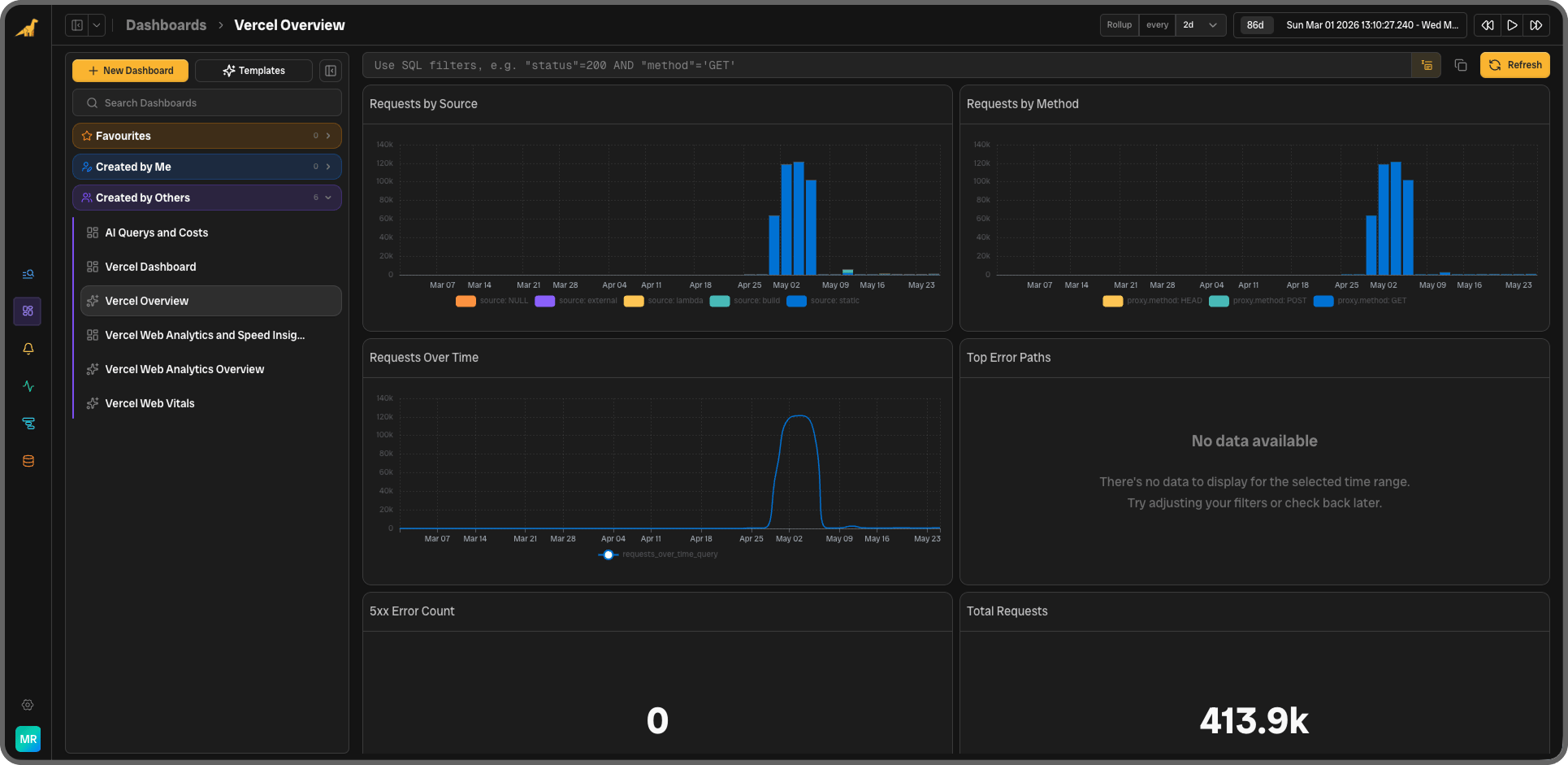
Vercel Web Vitals (Speed Insights drain)
Core Web Vitals at P75, segmented by route and device type, using Google’s published “good” thresholds.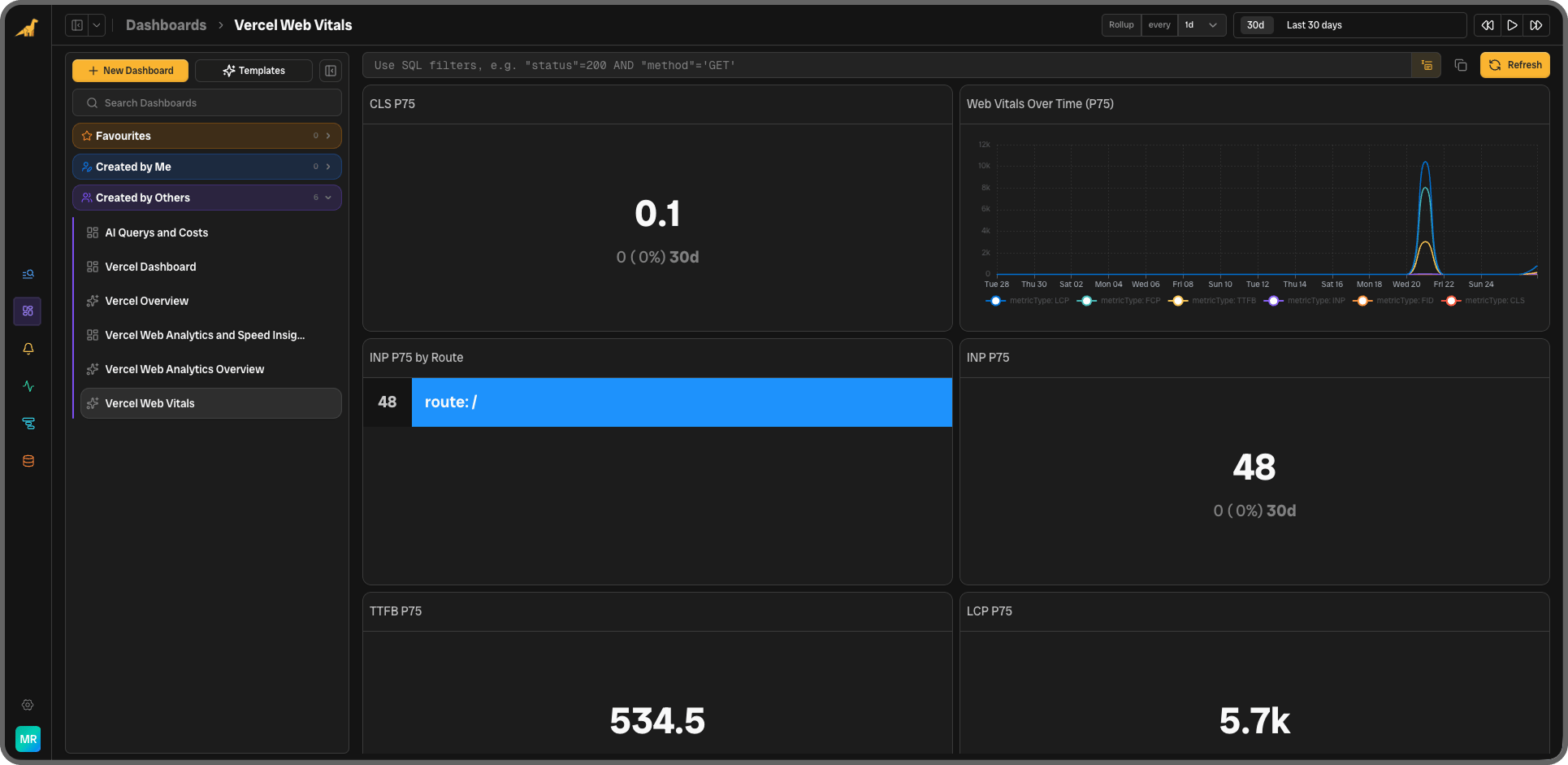
Vercel Web Analytics (Web Analytics drain)
Visitor and engagement data from your Vercel Web Analytics drain.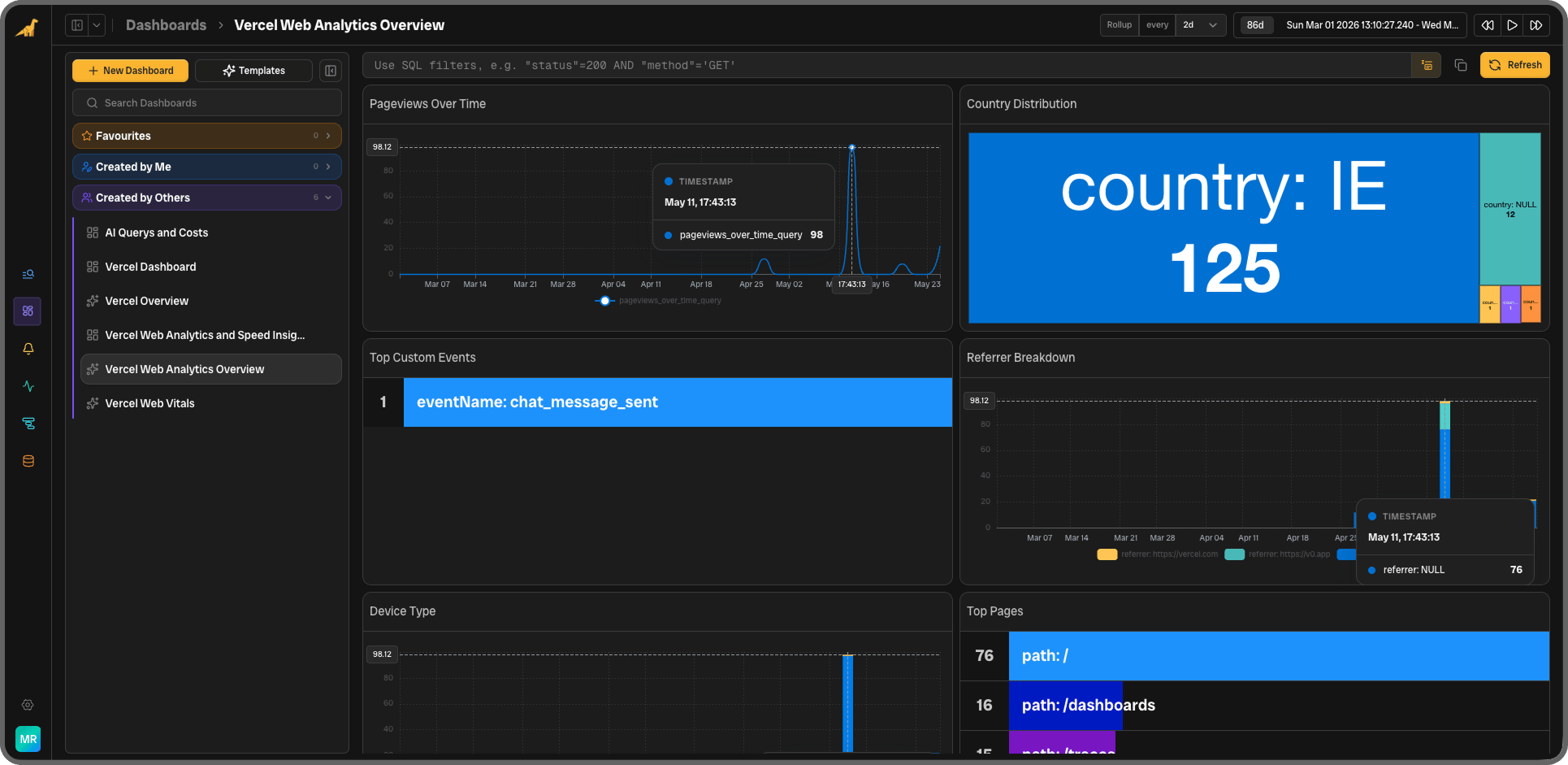
Monitors
Monitors run continuously against your incoming data and fire alerts when thresholds are crossed. All windows are 5 minutes. In testing, the 5xx monitor fired about 2.5 minutes after a burst of errors.
The log monitors count events in the window, not a share of requests. On a busy project, raise the thresholds to match your baseline; on a quiet one, a few errors are enough to fire.
The warning thresholds for LCP (2,500 ms) and INP (200 ms) match Google’s “needs improvement” cut-off. The critical INP threshold (500 ms) matches “poor”; the critical LCP threshold (10,000 ms) is well above Google’s “poor” (4,000 ms). You can adjust these in the monitor settings to match your own performance baseline.
Saved Searches
Pre-built filters you can open directly from the search bar or use as a starting point for your own investigations.What the widgets count
Each widget runs a query against the tagged dataset. A few details matter when you read them:- Total Requests and Requests Over Time count log lines that carry a
proxy.statusCode. Some requests write two or three such lines, so the count runs a few percent above the number of requests (about 6% in testing). - Top Edge Regions groups by
executionRegion, the region where the function ran. The edge region that received the request isproxy.region. - Build Failures Over Time and the Build Failures saved search count build lines at
level = 'error'. In testing, a failed build logged its errors atlevel: infowithtype: stderr; search forsource = 'build' AND @raw ILIKE '%Build error occurred%'to find failed builds. Or use deployment webhooks, which reportdeployment.errordirectly. - Lambda Crashes and the Lambda Crash monitor match
statusCode = -1orlevel = 'fatal'. A function process that exits (for exampleprocess.exit(1)) returns a 500 and logsNode.js process exited with exit status: 1atlevel: info; it’s counted as a 5xx, not as a crash. - Function timeouts (
Task timed out after N seconds) arelevel: errorlines and count towards Lambda Error Spike.